


A Filtering System for Part-Finding at the LEGO Group
2025



timeline
2 months
(intern project)

skills
UX research
Usability testing
Interactive prototyping
Cross-team collaboration
team
1 product manager
4 engineers/QA testers

tools
Figma
Studio
overview
6 Months Immersed in LEGO Design Culture
Last summer, I interned at the LEGO Group’s BrickLink office, one of the most creative and playful design cultures I’ve ever been part of. I loved designing for a passionate community of builders who often knew the product even better than we did.
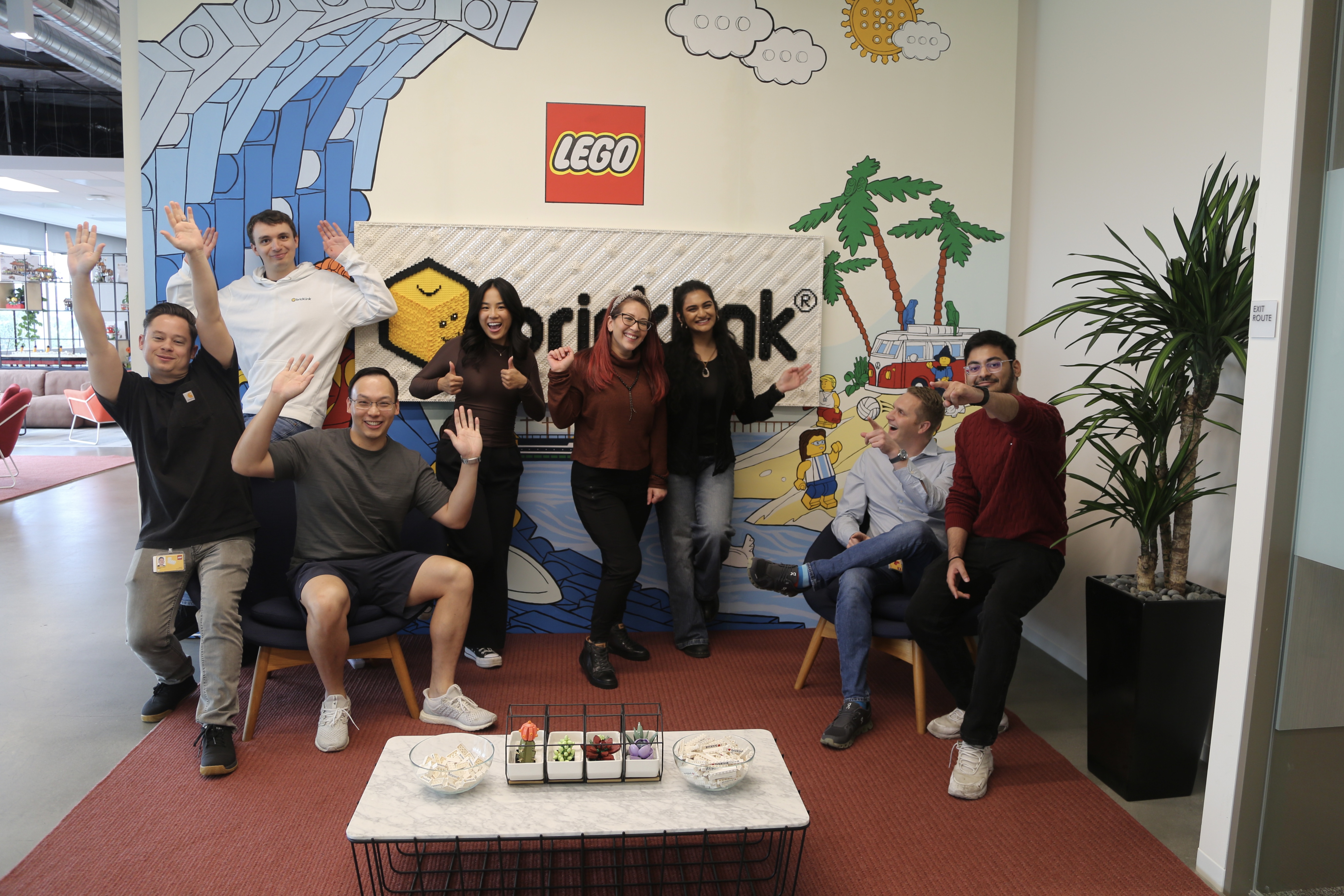
I worked on BrickLink Studio, a digital building platform by the LEGO Group
Studio is the official digital building app from the LEGO Group, used by over 160,000 fans worldwide. The platform allows builders to choose from thousands of LEGO bricks to create and share digital models, making it a popular tool for LEGO fans.
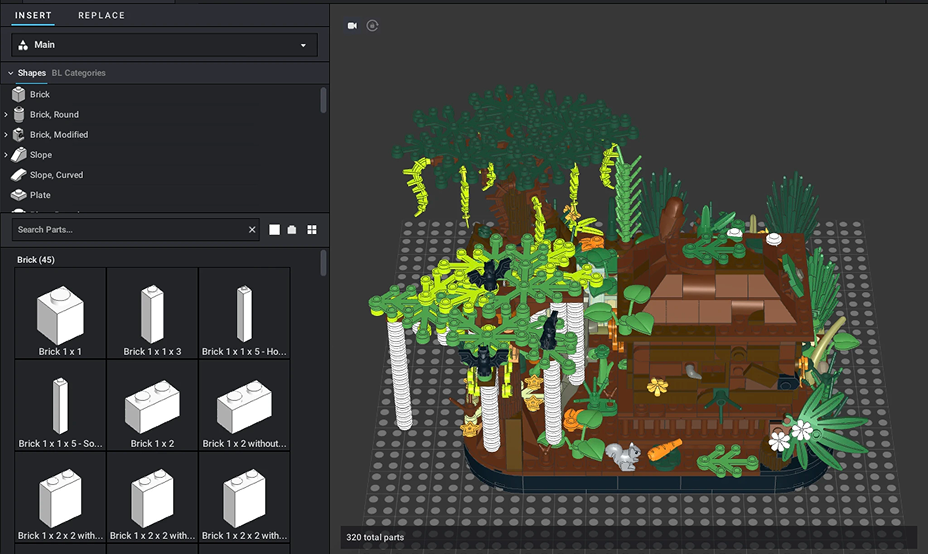
The problem: users couldn’t find parts in Studio
A major pain point with Studio is that users, both beginners and more advanced, were struggling to find parts. With so many potential reasons behind this friction, my goal was to uncover the root causes and redesign part finding to be more intuitive.
Too few results
Search fails, leaving users unable to find the parts they need.
Too many results
Results pile up, with overwhelming filters and no way to narrow them.
research
Defining my strategy
This was a research-heavy process because uncovering the issues was critical. I focused my approach around key methods:
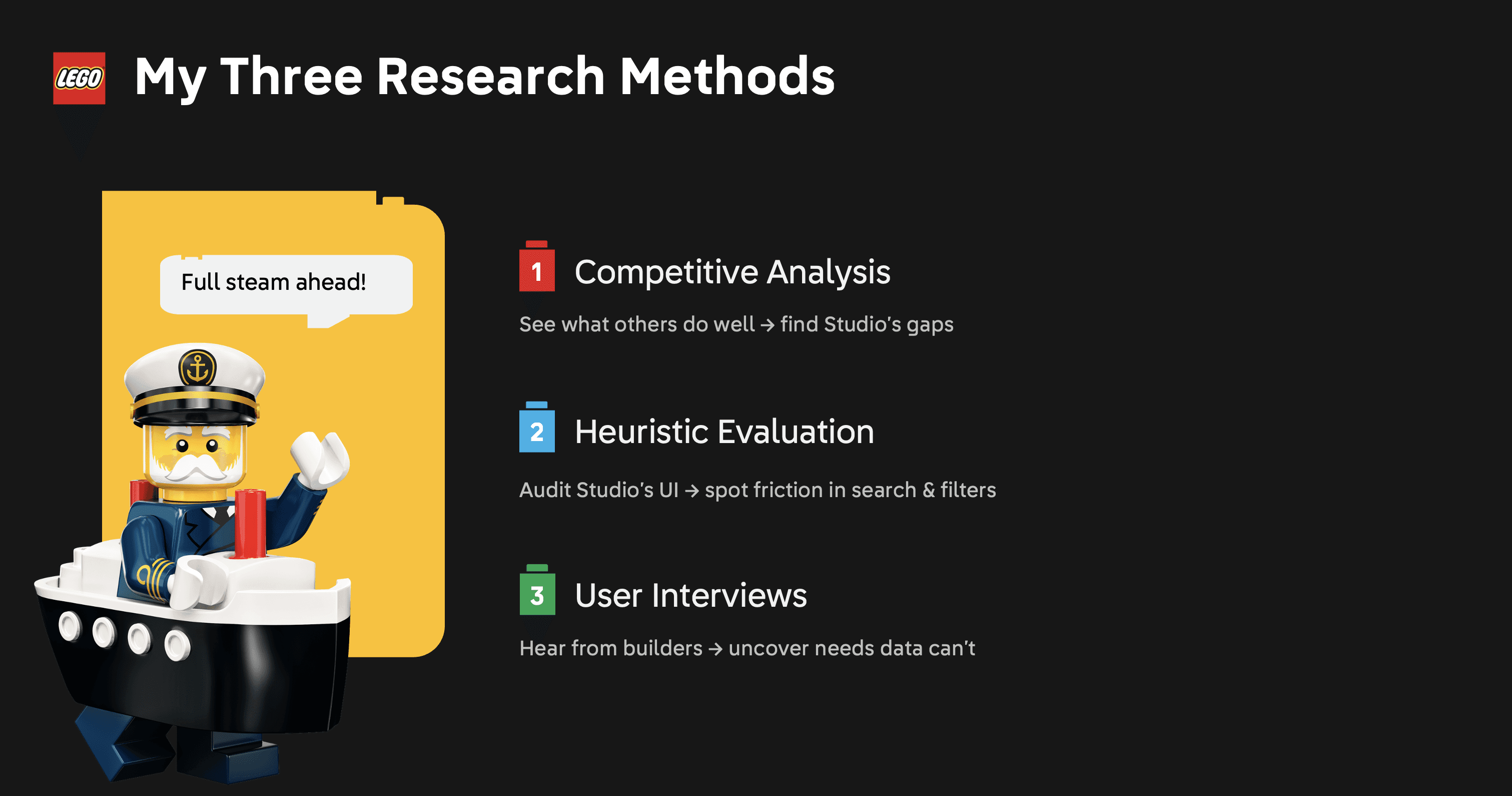
Method 1: competitive analysis
I analyzed 10 apps across CAD, 3D modeling, and non-creative tools, but narrowed my focus to three creative apps that better reflected Studio’s spirit of creativity and community:
+Rebrickable
A part finder with search, browsing, and filters for custom MOCs.
+Meca Bricks
A design tool for building and decorating parts together.
+LEGO Play
Interactive building instructions for creative play.
These takeaways in action:

Method 2: heuristic evaluation
To better understand Studio’s usability issues, I ran a heuristic evaluation of 15 elements of the part picker UI, a process that reviews the interface against established usability principles. Below are three examples of the problems users might run into:

Method 3: user interviews
I interviewed seven users, split between beginners and advanced builders. Through card sorting, a part-finding challenge, and open-ended questioning, I uncovered what frustrations or strategies shaped their process. Here were some learnings from my interviews:
setup
Landing on a filtering system
Research pointed to smarter search, consistent terminology, and better filtering. I focused on filtering, the clearest way to shorten part-finding time without a large back-end change, and worked through it in design sprints.

version 1 (lofi)
Centralizing Filters Into a popup System
Version 1 introduced a popup filtering menu with four sections; palette, date filters, color filters, and display options; consolidating scattered controls into a single system while introducing filters users had asked for.
However, during testing, I realized that extra clicks frustrated expert users
During testing, all users agreed the new filters improved part searching and reduced confusion. However, expert users felt some actions required too many clicks and preferred having certain filters remain in the part picker UI and not in a popup.

A challenge: How might we streamline filtering to reduce clicks without increasing cognitive load?
This was a critical friction point. While the popup menu improved clarity for beginners, expert users felt slowed down by the extra clicks. The challenge was finding a way to keep filters easy to discover without sacrificing speed for power users.
version 2 (lofi)
A Flexible Solution: Collapsible sidebar
To balance discoverability for beginners with efficiency for expert users, I introduced a collapsible side bar. It could stay open for quick access or collapse to reduce clutter.

Successful in user testing!
All the users responded positively to the collapsible side bar. They appreciated the flexibility to keep the menu open for efficiency or close it to reduce clutter. This new system also significantly sped up the part-finding process, showing that it successfully balanced usability for both beginners and experts.
final solution
A high fidelity collapsible side bar prototype

reflection
Presenting to the office
I wrapped up my internship by presenting to the entire LEGO BrickLink team, including the CEO. It was rewarding to hear that even those with 10+ years at LEGO hadn’t noticed some of the usability challenges I uncovered, and exciting to know many of my features are headed into production.

Reflections
This was just one of three projects I worked on at BrickLink, one of the most fun and creative places I’ve ever worked at. I loved being surrounded by a team that brought joy to people’s lives every single day. What stood out most to me was how passionate the community was; many users knew the platform even better than we did. Being able to learn from them made the experience even more special.
Outside of the internship as a whole, here are some of the biggest takeaways I’ll carry with me from this project:
Design in low fidelity
Iterate quickly so user feedback can reshape the work.
Adapt to feasibility
Shape solutions while staying aligned with engineers.
Use the design system
Stay consistent with existing colors, fonts, and components.